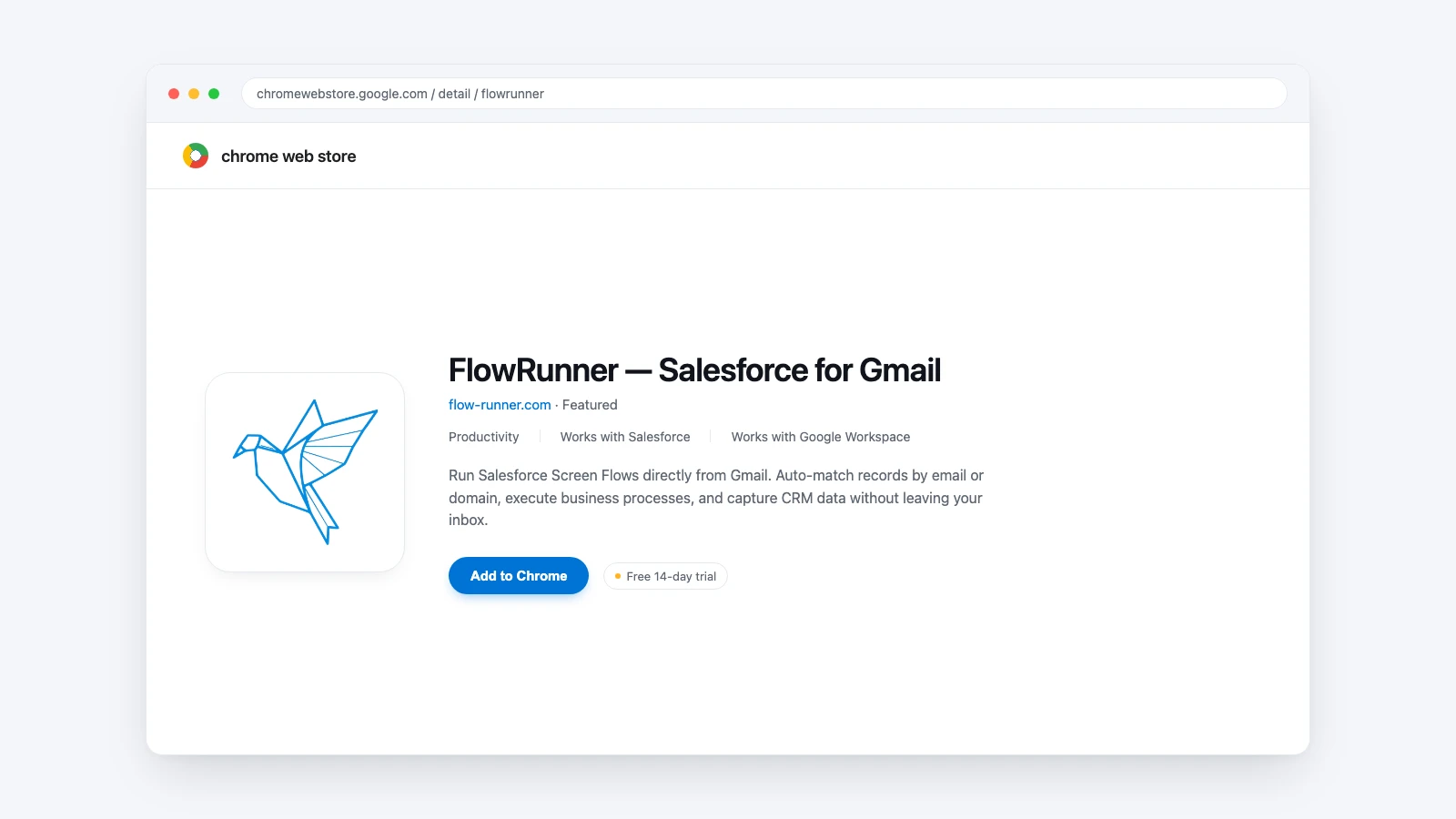
Run Salesforce Screen Flows directly from Gmail.
The FlowRunner Chrome Extension brings your Salesforce business logic to Gmail. Same power as the Outlook add-in, now in your browser.
Gmail-first teams.
If your company uses Gmail and Google Workspace, the FlowRunner Chrome Extension is built for you. Your Salesforce Screen Flows, lookup logic, and team settings all work in Gmail.
Everything you need.
Native Gmail Integration
Sidebar that lives right inside Gmail
Custom Record Lookup
Build your own lookup logic to find the right Salesforce records. Match by any field
Full Screen Flow Support
Run any Screen Flow your admin has built. The same flows you use in Salesforce
Multi-Org Support
Connected to multiple Salesforce orgs? Switch between them in one click
Admin Controls
Pin specific flows for specific teams. Sales sees their flows, support sees theirs
Enterprise Security
Salesforce OAuth + Google sign-in. Your data stays encrypted and isolated
How it works.
Install the Extension
Install the Chrome Extension from the Chrome Web Store
Open Any Email
Open any email in Gmail. FlowRunner looks up Salesforce records using your custom lookup logic
Execute Flows
Choose your Flow and execute. Create opportunities, log calls, update records, all without leaving Gmail