
Security and compliance — the specifics.
What FlowRunner does, what it doesn't, where data lives, what we sign. Customer record data stays in your Salesforce org. Our middleware is EU-hosted on Azure, authenticates via Microsoft 365 or Google SSO, and stores no email content or Salesforce record data: only user accounts, encrypted OAuth tokens, Flow settings and a run history.
GDPR DPA available. EU data residency.
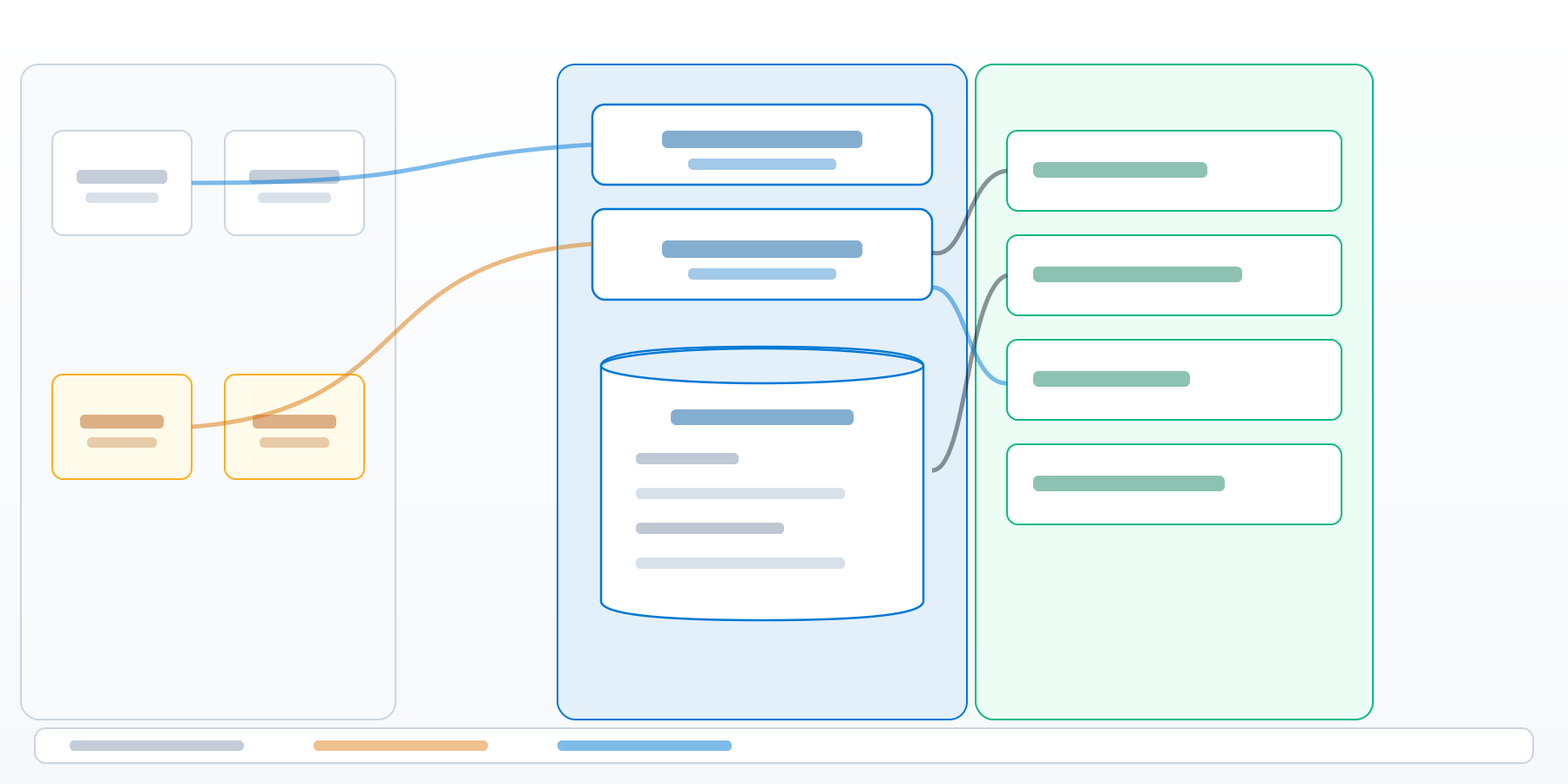 Diagram available on request
Where FlowRunner stands on the standards your IT team checks for


 Security review in progress
The data flow, in one diagram.
FlowRunner has two installable components and one passthrough middleware. The Flow executes inside your Salesforce org under the user's authenticated session. The only data store is FlowRunner's own database in Azure EU, and it holds no email content or record data. We share the full, labelled architecture and data-flow diagram with security and IT reviewers on request — tell us where to send it.
Full architecture & data-flow diagram
Labelled trust zones, components, OAuth and Lightning Out paths — sent on request.
Request the full diagram
We'll email the labelled architecture diagram and our Application Security Summary to your work address — typically within a business day.
Email side
An Outlook add-in or Chrome extension for Gmail, installed by your IT team via Microsoft 365 Admin Center or Google Workspace. Users are signed in automatically via Microsoft or Google SSO. Email metadata — sender, recipients, subject, thread — is read in-context.
Our middleware
A thin passthrough on Azure EU. It authenticates the user, brokers Salesforce OAuth, and forwards the open email's details to your org. Email content and customer record data transit this layer in memory and are never stored. It stores user accounts, encrypted OAuth tokens, Flow settings and a run history.
Salesforce side
The FLR managed package, installed by your Salesforce admin, runs Flows inside your org under permissions your admin grants. Data is sent to Salesforce only when the admin sets up input variables. Data is retained in Salesforce only if the admin chooses.
Hosting, residency, retention.
A line-by-line breakdown of every data category FlowRunner touches: where it lives, how long it stays, and which environment it's in. The Salesforce data row is the important one — there is no copy in our infrastructure.
| Data type | Where it lives | Persistence |
|---|---|---|
| Salesforce record data | Stays in customer's Salesforce org. Transits our middleware in-memory to render the sidebar. | No copy in our infrastructure |
| User identity | FlowRunner database, Azure EU. Microsoft / Google object ID + tenant ID. | Lifetime of tenant; deleted on request |
| Salesforce OAuth tokens | FlowRunner database, Azure EU. Encrypted at rest (AES-256), row-level tenant isolation. | Until the user disconnects or the account is deleted |
| Run metadata | FlowRunner database, Azure EU. Which Flow ran, by whom, in which org and when, with the email's message ID. No email content. | Lifetime of tenant; deleted on request |
| Error telemetry | Sentry (EU): stack traces, hashed user ID, organisation name; no cookies or request bodies. Platform logs in Azure Log Analytics (EU). | 30 days (default) |
| Email content | Read by the add-in from the open email: sender, recipients, subject and body pass through our backend in memory to your own Salesforce Flow. | No copy in our infrastructure |
| Backups | Azure EU only. Same-region. Encrypted at rest. | 7 days, then overwritten |
Your data stays where it always was. In your Salesforce org.
Customer record data transits our server to reach the sidebar. It is never persisted. Uninstall tomorrow and the only thing that disappears is our middleware.
Auth and permissions.
FlowRunner has no separate password. Users authenticate against the identity provider your IT team already manages. Salesforce access is per-user OAuth 2.0, scoped to the minimum required to enable running Flows from the sidebar.
Add-in auth
Native SSO with the user's existing Microsoft 365 or Google Workspace identity. No separate FlowRunner password. MFA, conditional access, and device policies set in your IdP apply unchanged.
Salesforce auth
Per-user OAuth 2.0 against an External Client App shipped inside the FLR managed package. Each user authorises their own Salesforce account once. Permission Sets and Field-Level Security govern every action.
OAuth scopes
The External Client App requests
lightning,
api,
web,
refresh_token and
offline_access.
api lets FlowRunner call
the Salesforce API as the connected user, limited by that user's own permissions.
Encryption, transport, secrets.
Modern transport encryption end-to-end, AES-256 at rest, and Azure Key Vault for every credential. No plaintext secrets in code or config.
In transit
TLS 1.2 / 1.3 on every connection. HSTS enforced. Strict CSP on all product surfaces.
At rest
AES-256 encryption on database storage and backups (Azure platform default). Row-level tenant isolation enforced in Postgres.
Secrets management
Azure Key Vault. No plaintext credentials in code or config. Application secrets are injected at runtime via managed identity.
CMEK
Customer-managed encryption keys are not supported at launch. CMEK is a roadmap item, not a current capability.
Compliance, certifications, sub-processors, DPA.
Compliance posture
-
GDPR. EU-hosted on Azure. DPA signable on request. GDPR-aligned by architecture: no customer record data persisted on our side.
-
HIPAA. Not supported. FlowRunner is not designed for PHI workloads. We do not sign Business Associate Agreements at this time.
Sub-processors
The full list of third parties that process customer data on our behalf. Customers are notified of changes before they take effect.
| Sub-processor | What they do | Data category | Region |
|---|---|---|---|
| Microsoft Azure | Application hosting, database, secrets, platform logs | Application data | EU |
| Sentry | Application telemetry, error tracking | Diagnostic data (hashed user ID; no cookies or request bodies) | EU |
| Resend | Invitation emails | Invitee and inviting admin email addresses, organisation name | US (sent from Ireland) |
Stripe handles billing as an independent processor (billing email, address, tax ID and card details) and receives no email content or Salesforce data. Sub-processor list maintained on this page. For change notifications, email security@flow-runner.com.
Incident response, breach notification, audit, deletion.
The operational practices that surround the architecture. Every commitment below is codified in the DPA and reflected in our internal runbooks. The four answers your compliance team will ask for, in plain language.
Breach notification
Customer notified within 24 hours of FlowRunner becoming aware of a breach affecting their data. Notification includes scope, impact, and remediation steps.
Audit rights
Customer can request audit information. Specifics — frequency, format, scope — are codified in the DPA.
Data deletion
Customer can request deletion at any time. We delete tenant records from live systems within 24 hours of a confirmed request, backups roll over within 7 days, and we confirm the deletion in writing on request. Your Salesforce org is unaffected.
Customer access logs
FlowRunner acts as the connected Salesforce user through an External Client App. Changes show that user in Created By, Last Modified By and Field History; sign-ins appear in Login History. FlowRunner's own run history records which Flows ran, by whom and when.
Vulnerability management
Automated penetration testing every month, authenticated and unauthenticated. Findings are rated and fixed within defined service levels. Vulnerability reports to security@flow-runner.com are acknowledged within two business days.
CSP and HSTS
Content Security Policy and HSTS on every product surface. Framing is denied on the website and admin portal, and limited to Outlook and FlowRunner origins on the add-in.
Secrets and access
Least-privilege access to production. Secrets stored in Azure Key Vault, injected at runtime via managed identity. SSO + MFA required for every production console.
"FlowRunner was the only way to truly integrate Salesforce into our existing workflow. The plugin works so seamlessly within Outlook that our team barely even needs to log into Salesforce anymore — and our IT team signed off because the data never leaves our org."

Everything your security review needs.
The documents IT and Compliance ask for, in one place. The DPA is signable on request. The Application Security Summary covers testing, controls and residual risk for your security review.
Application Security Summary (PDF)
Testing, controls, accepted risks and sub-processors, for your security review.
Request copyData Processing Agreement (PDF)
GDPR-aligned DPA, signable on request. Includes breach notification, deletion, and audit rights.
Request DPASub-processor list
The full, current list of third parties that touch your data on our behalf.
View listSecurity disclosures and questions: security@flow-runner.com
The questions IT and Compliance always ask.
Where does customer record data live?
Where is FlowRunner hosted?
What encryption do you use in transit and at rest?
How does authentication work?
Do you hold ISO 27001 or SOC 2 certification?
Do you sign a Data Processing Agreement?
Is FlowRunner HIPAA-compliant?
Who are your sub-processors?
How quickly do you notify customers of a breach?
How do I request data deletion?
How can I audit FlowRunner activity in my Salesforce org?
Do you run penetration tests?
Talk to our security team.
Book a 30-minute security review with our team. Bring your questionnaire, your architecture diagrams, your DPA. We will walk you through the specifics.
Customer record data stays in your Salesforce org. EU-hosted. GDPR DPA available. Uninstall tomorrow if it is not a fit.